
The Timeline block, new in version 7, lets you program Blocks in a time-linear way. It’s suitable when the desired actions are
spread out over time, always performed in the same manner. The Timeline combines display aspects, based on content such as
video and images, with control system functions, similar to what you can do with Tasks and Controls such as Buttons or Sliders.
NOTE: This is a premium block type, requiring an additional license option
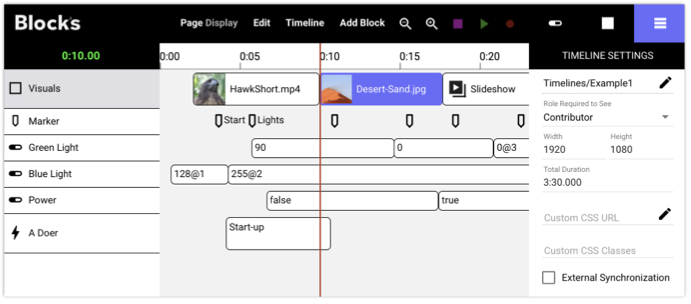
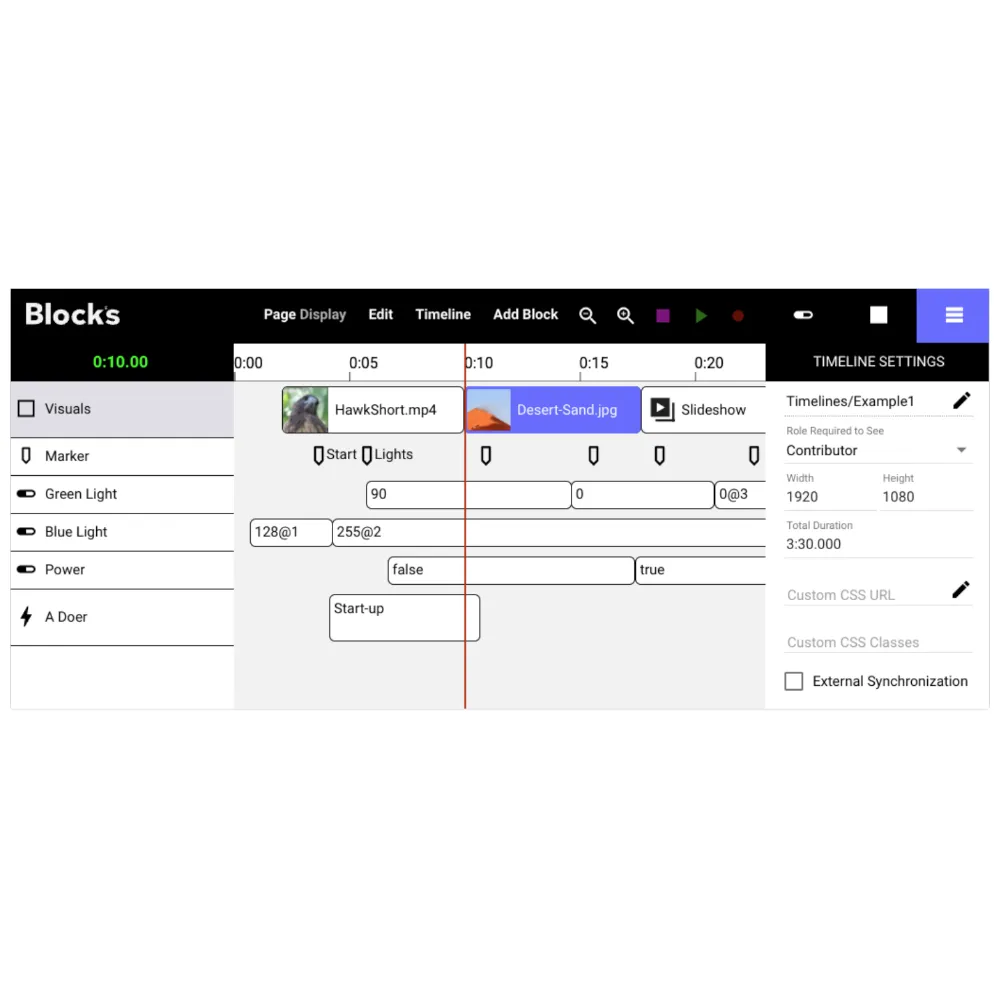
Timeline with Blocks, Markers, three Property tracks and a Do track. Settings for the timeline, selected track/cue and property values appear to the right under their respective tab.
A Timeline is created, edited and used as other block types. For instance, it can be assigned to a Spot, making its visuals (blocks)
appear on that Spot. But it also has a life of its own, independently of whether it currently appears on a Spot. In that respect, it is
similar to a Task or the Schedule block. However, while the Schedule block performs coarse scheduling of content based on time
of day, the Timeline block performs fine-grained scheduling and synchronization of blocks and control functions that can be
started, positioned and stopped at will from a Button ot Task.
No reviews yet.