
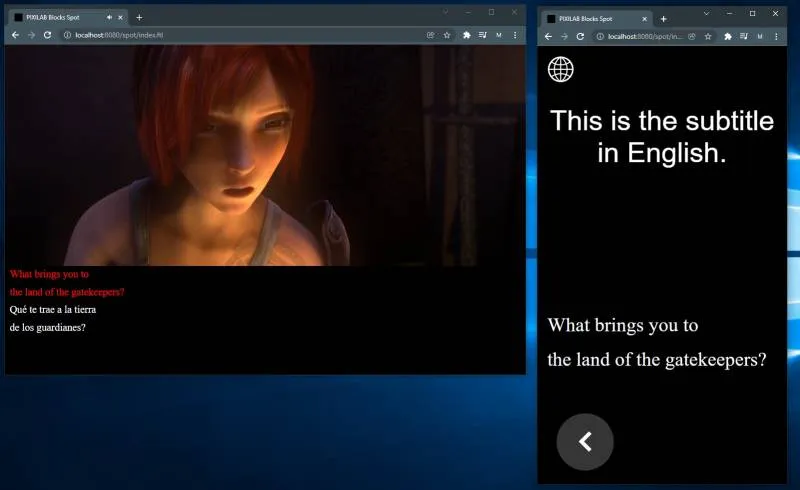
Use this block to render subtitles or closed captioning text, possibly synchronized to video or audio. Blocks accepts subtitles files
based on the the SRT or VTT standard file formats. To synchronize subtitles to video, place the video along with the subtitle in-side a Synchronizer. Use a Tag Selector to select different subtitles based on language selection or similar.
Drag a subtitle file to the box titled “Drop Subtitle File here,” shown on the right when a subtitle block is selected. Alternatively, load the subtitle data from the URL specified by a bound property for added flexibility, similar to the Media URL block type.
If the video and subtitles play on the same Spot, then select “Locally Synchronized” for the subtitle. Uncheck this checkbox to synchronize subtitles across spots.
Learn more about how to use subtitles in Blocks here: https://pixilab.se/docs/blocks/app-note/subtitles
No reviews yet.